Cybersecurity for New Jersey law firms: your RPC 1.6(f) duty

- New Jersey RPC 1.6(f) says a lawyer must make reasonable efforts to prevent inadvertent or unauthorized disclosure of, or access to, client information.
- The comment says reasonableness looks at sensitivity, likelihood of disclosure, cost and difficulty of safeguards.
- A lapse is not a violation if reasonable efforts were made. So efforts you can show matter.
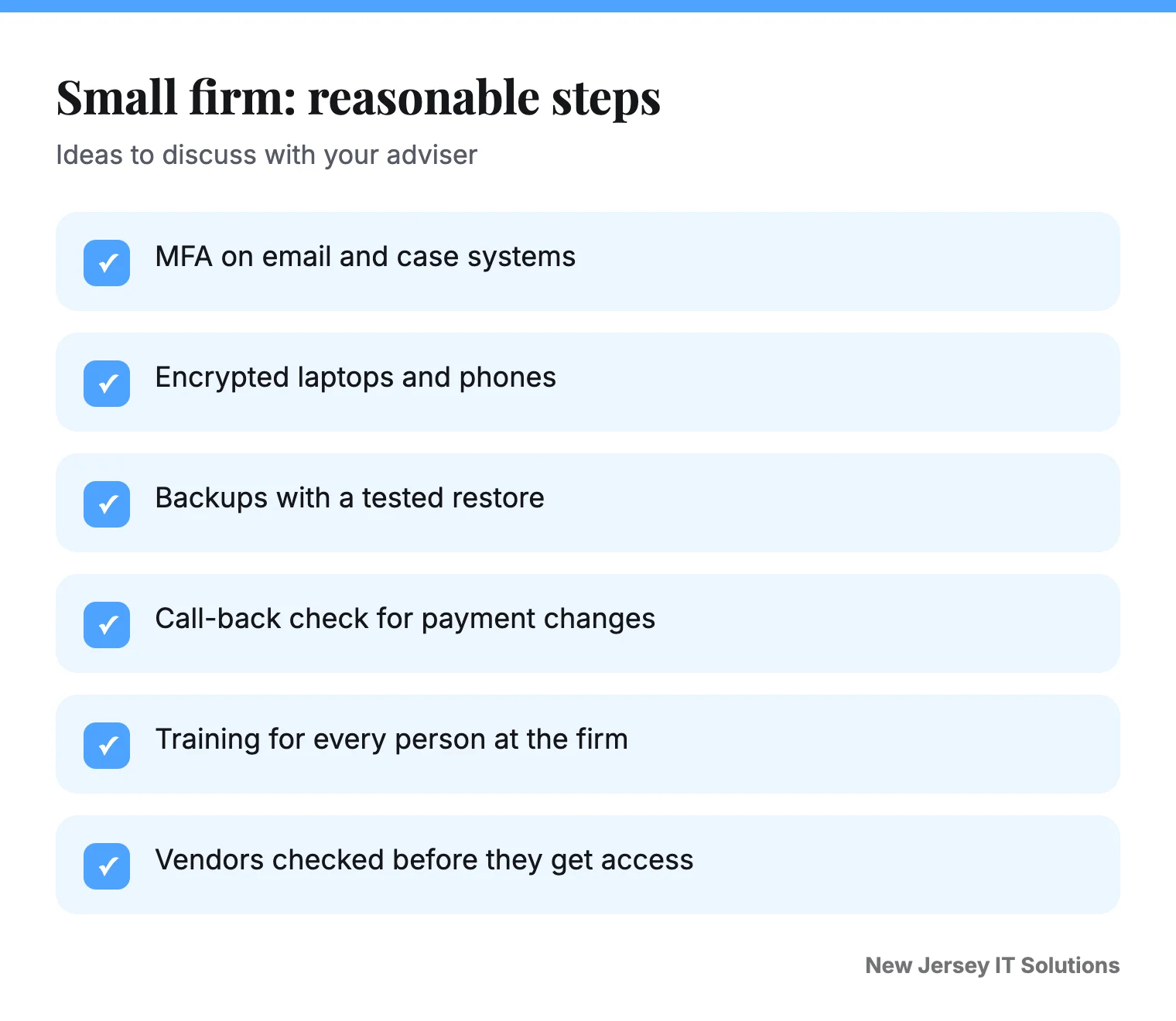
- MFA, encryption, backups and staff training are the common reasonable steps for a small firm.
Free 30-minute review
Tell us about your office. We tell you what we would fix first, in plain words, whether or not you hire us.
Client files are the whole business of a law firm. Email, scanned documents, trust account details, settlement terms. If they leak, the harm is to the client first, and to your name second.
New Jersey puts a duty in the rules. This page explains it in plain words. It is not legal or ethics advice. Check the current rules and ask your own counsel.
What does the rule say?
RPC 1.6(f) says: "A lawyer shall make reasonable efforts to prevent the inadvertent or unauthorized disclosure of, or unauthorized access to, information relating to the representation of a client." We read it in an NJSBA presentation from March 2025.
The comment in that same material says the paragraph requires a lawyer to act competently to safeguard information, including electronically stored information, against unauthorized access by third parties and against inadvertent or unauthorized disclosure.
What is "reasonable"?
The comment lists factors. They include:
- How sensitive the information is.
- How likely disclosure is if you add no more safeguards.
- The cost of more safeguards.
- How hard they are to put in place.
- How much the safeguards get in the way of representing clients.
It also says a lapse is not a violation of paragraph (f) if the lawyer made reasonable efforts. That is why efforts you can show matter. A short written record of what you did and when is worth having.
Clients can ask for more. The comment says a client may require special security measures, or give informed consent to forgo measures that would otherwise be required.
What are reasonable steps for a small firm?
| Step | Why it matters |
|---|---|
| MFA on email, document tools and remote access | A stolen password alone should not open client files |
| Encrypt laptops, phones and drives | A lost device is not a breach |
| Backups with a tested restore | You can recover from ransomware or a failed drive |
| Updates on a schedule | Old software is a common way in |
| Staff training on fake emails | Phishing and wire fraud start with one click |
| Access by role, removed on exit day | Fewer people see each file |
| Written plan for a breach | You know who to call |
Watch for wire and payment fraud
Law firms handle money moving in closings and settlements. A fake email that changes bank details at the last minute is a classic. Make a rule: any change to payment details gets a call back on a number you already have. Read how to spot these in our phishing guide for small business.
What about cloud tools?
New Jersey has an advisory committee opinion on outside storage of client files (Opinion 701, 2006). Reports describe it as asking for an enforceable confidentiality and security obligation, plus use of available technology against foreseeable intrusion. We have not reproduced the full opinion here. Read the current text before you rely on it.
What is a law firm's duty to protect client data?
New Jersey RPC 1.6(f) asks lawyers to make reasonable efforts to prevent unauthorized access to client information. The rule does not give a fixed list. What counts as reasonable depends on the firm, the data and the risk, so write down what you do and why.
How can a small firm secure client email?
Start with MFA, a good email filter and training on fake emails. Use secure links or portals for sensitive documents instead of loose attachments. Review who can see shared mailboxes and drives, and remove old users.
Questions to ask before using a new cloud tool
- Where is our client data stored, and who can see it?
- Does it support MFA?
- Can we export our data if we leave?
- What happens if the vendor has a breach?
- Can we limit access per matter?
These are good questions for any vendor. See also our guide on questions to ask a New Jersey IT provider and our backup guide.
If something happens
Contact your ethics counsel and insurer. New Jersey's business breach law also asks you to report to the State Police before telling customers. See our breach law guide. Whether and how that applies to client data is a question for your lawyer.
How we can help
We set up and look after IT for small New Jersey offices, including MFA, encryption, backups and training. Book a free 30-minute review and we will walk through the table with your firm. See our cybersecurity service.
Common questions
What does New Jersey RPC 1.6(f) require?
That a lawyer make reasonable efforts to prevent the inadvertent or unauthorized disclosure of, or unauthorized access to, information relating to the representation of a client.
Can a client ask for stronger security?
Yes. The comment says a client may require special security measures, or may give informed consent to forgo measures that would otherwise be required.
Is storing client files in the cloud allowed?
New Jersey has addressed outside storage in an ethics advisory opinion, which asks for an enforceable confidentiality obligation and available technology to guard against foreseeable intrusion. Read the current opinion and ask your ethics counsel.
What should a small firm do first?
Turn on MFA for email and your practice tools, encrypt devices, back up with a tested restore, and train staff on fake emails.
What is a lawyer's duty to protect client data in New Jersey?
RPC 1.6(f) asks lawyers to make reasonable efforts to prevent unauthorized access to client information. Write down what you do and why.
Book a free 30-minute review
Tell us what is not working. We will look at your setup and tell you what we would change, whether or not you hire us.
Book the review ●●● ●●●-●●●●